Running Your Own Mail Server: Lessons from 25+ Years of Chaos and Custody
Email is one of the oldest, most decentralized, and most politically fraught services on the Internet.
It’s also one of the messiest topics in self-hosting, Homelab, and other scenarios where you take operational responsibility for a service often best left to experts.
You can’t become an expert without getting your hands a bit dirty, though. Let me set the stage so you understand where these opinions come from. Experience often dictates perspective, and mine comes from over 25 years of running mail servers in some form.
My Early Mail Server Days
I started in 2000 with a simple Postfix/Dovecot setup on Slackware. It was the mail server of my first IT job - the one I inherited when the CIO moved on.
It worked, but it required constant maintenance: updates, configuration tweaks, user account creation, and enforcing password changes by literally pulling staff into the IT room, sitting them at a console, and making them update their passwords themselves.
Looking back, it sounds like a nightmare - but it taught me a lot:
- How to impress the importance of security on users
- How to communicate password complexity and why it matters
- How to slowly build user comfort with tech they aren’t regularly exposed to
- How to build trust by supervising staff in sensitive areas
These moments of trust and demonstration eventually helped me run the IT department from 2002 to 2007. Ironically, the mail server itself was among the first things replaced once I had decision-making authority.
Exchange, Consolidation, and the ASP Pivot
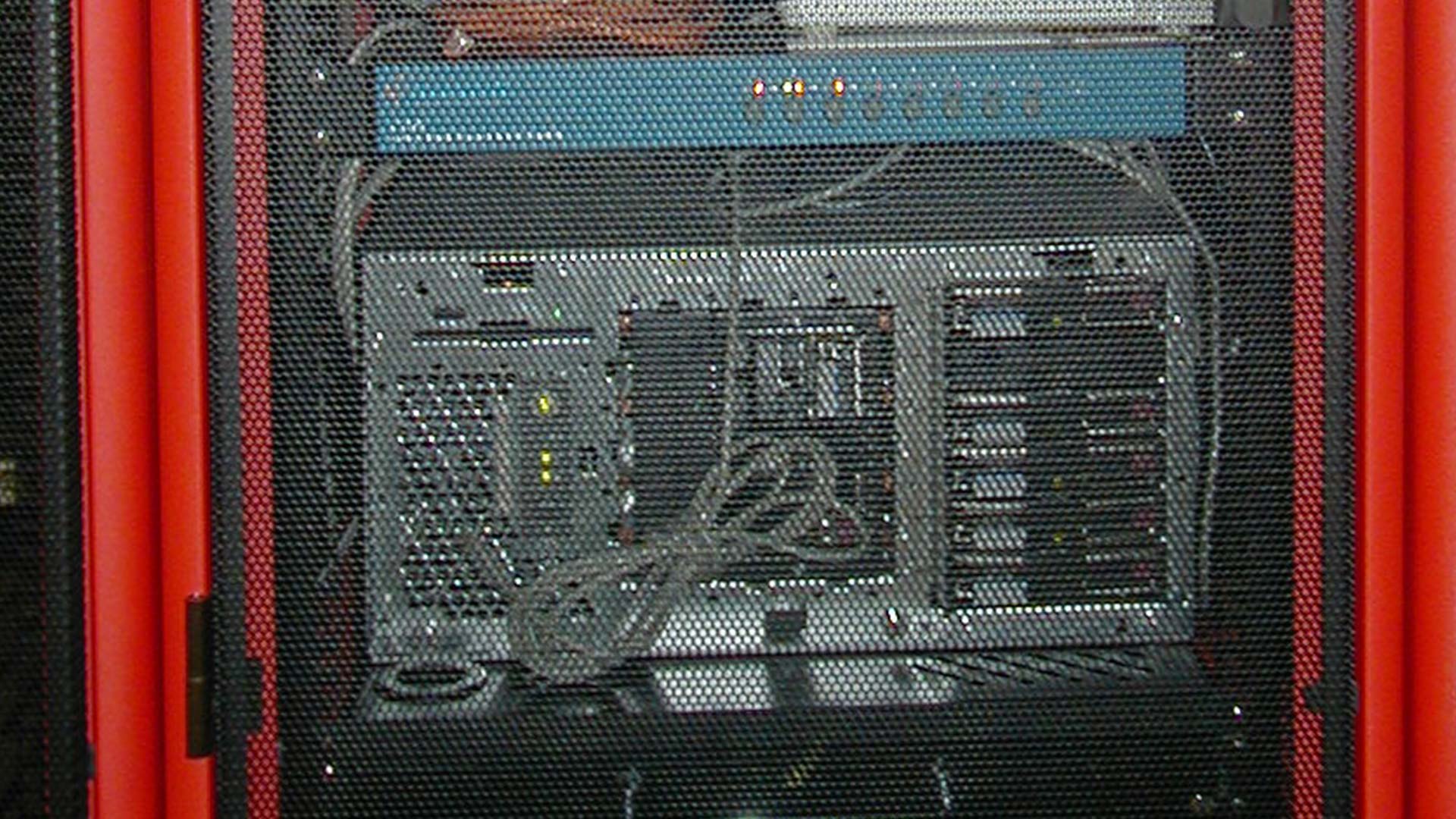
Postfix/Dovecot gave way to Microsoft Exchange on Windows Server 2003. An old HP desktop-turned-server became a Compaq ProLiant ML350 with tons of RAM, RAID5 with a hot spare, and redundant NICs. Suddenly, the organization’s workflows improved dramatically.
Active Directory reduced administrative overhead. Contact lists and shared calendars streamlined operations. I got a firsthand look at what well-implemented technology can bring to a growing workplace.
As the organization grew, so did the Exchange footprint - branch offices had their own servers, and administrative overhead increased. Eventually, I consolidated everything into a single upgraded server at headquarters, paired with a warm site on the West Coast at the Globix Santa Clara datacenter. A product from Neverfail ensured mail flow didn’t miss a beat - even during the Northeast blackout of 2003 (we had about 30 seconds of downtime).
Fast forward to 2007: at a new job, I inherited an Exchange server disaster. An ML370 with a failing RAID backplane. It was poorly maintained and constantly breaking. There was also a Nortel PBX in the same room that caught fire during my first week there, so this was the unfortunate norm for a while. I replaced the backplane twice before proposing a better solution: hosting Exchange externally via an Application Service Provider - think proto-SaaS.
The change worked beautifully. Administrative overhead dropped, spam filtering headaches disappeared, and I could focus on improving the network’s performance and resilience instead of constantly putting out fires. I even solved a problem that led to being written up and promoted in the same meeting. A well-functioning network provides plenty of space and opportunity for both good and bad.
McNuggets in the Datacenter
Not all lessons were technical. When working with the NOC staff at the Globix Chinatown datacenter, I would bribe them with McNuggets from the McDonalds on Canal Street.
The pattern stuck - my first expense report at an employer in 2023? You guessed it: McNuggets. These little rituals remind me that IT isn’t just infrastructure. It’s people, trust, and relationships - lessons that run as deep as any RFC or disaster recovery plan.
The Pros of Running Your Own Mail Server
Running a mail server provides more than just email:
- Full custody over data - retention, logs, and flow visibility
- No imposed feature changes or policy updates - unless you make them
- Real-world learning - mail servers run 24/7, are adversarial by nature, and force you to understand:
- DNS beyond “A” records: MX, SPF, DKIM, DMARC, PTR
- TLS in the wild
- Abuse mitigation, rate limiting, and authentication
Financially, at home scale:
- Storage grows slowly
- CPU and memory needs are modest
- Licensing is usually free
Finally, if you already run DNS, authentication services, and backups, email isn’t an outlier - it’s a natural extension of a self-hosting mindset.
The Cons and Risks
Deliverability is the first structural challenge. You’re at the mercy of:
- IP reputation systems you don’t control
- Heuristics you can’t audit
- Opaque appeals processes
Even if everything is perfect, messages may land in spam or disappear entirely. Residential IPs are usually dead ends - most ISPs block outbound SMTP, rotate IPs, or are pre-listed in reputation databases.
Workarounds (SMTP relays, VPS frontends, and smarthosts) create hybrid hosting. That may undermine the “fully self-hosted” purity some pursue.
Email is adversarial infrastructure. Mail servers are constantly scanned, abused when misconfigured, and prime targets for credential stuffing and relay attempts. It’s not like hosting a blog - it’s more like stepping into the Thunderdome.
Responsibilities include:
- Abuse handling
- Monitoring outbound behavior
- Rapid response
“Set it and forget it” does not apply here.
Blast radius is another critical consideration. For a home user or Homelabber, failure hits harder than media servers, home automation, or personal websites. Lost email can mean:
- Missed account recovery
- Broken identity verification
- Silent failures that go unnoticed for weeks
Domain expiry is another silent threat - I’ve never experienced it, but others have. The impact is hilariously catastrophic when it happens.
Lessons Learned
Backups matter. Always.
In 2003, using an LTO Autoloader with BackupExec, my Exchange server melted down. Restores failed. Offsite tapes returned corrupted. I learned that verification alone is not enough. Replaying Exchange transaction logs saved the day - but I got lucky.
Takeaways:
- Take backups seriously
- Verify backups regularly
- Test restores whenever possible
- Understand that luck is real, but planning mitigates risk
Operational experience also reinforced something fundamental: email must function. During 9/11, with networks collapsing and landlines failing, email allowed my office and I to communicate and keep the public informed. The stakes are real - even in a Homelab context, this translates to respecting the responsibility a service carries.
My Take
If you’re reading this and still intrigued, go for it. The benefits are real: learning, custody, and operational insight. But they come with real obligations: risk, maintenance, and awareness of systemic limitations.
Custodial responsibility and risk acceptance sit at the heart of any home network that’s more than just Internet access. If you value custody more than the headaches, and accept outcomes beyond your control - bring it online.
Degrees of ownership are real. You don’t have to run production-grade email forever. You can spin up a mail server purely for experience, or operate hybrid/self-hosted solutions - all provide lessons.
A final note: learning is critical, and so is learning when it’s time to outsource something. Whether you bring a mail server up for actual use or for experience, you will learn – and that’s the most important result of any exercise like this.
In the end, the goal isn’t perfection – it’s informed choice, responsibility, and understanding what it truly means to run a service like email.
 NFS Mount Lazy Loading: Fixing Slow Boot Due to NFS
 n8n Zoom Transcript Analysis Workflow (and Download)
 Starting a Homelab the Right Way - With the Why