Homelab

Minisforum N5 Pro: The Long Overdue Review
The team at Minisforum sent me an N5 Pro last summer, during my time at Lawrence Systems, with a request for a review. Continue reading ...
Homelab DNS Troubleshooting
DNS failures are deceptive. Everything looks broken - and most issues are straightforward once you know where to look. Every issue here is something I’ve run into personally. Continue reading ...
DNS and HTTPS in the Homelab: Moving Beyond IP Addresses
At some point, every Homelab runs into “IP address fatigue.” You start with a couple of services, and your bookmarks suddenly become a chaotic mess of IP addresses and ports that correspond to each service running. Continue reading ...
Homelab DNS: Running BIND with Docker
Getting BIND running in Docker takes minutes. Running it correctly takes a bit more. Continue reading ...
Designing Your Homelab DNS
Now that we’ve covered the theoretical intersection of DNS and HTTPS and the benefits that come from each, it’s time to plan a solid DNS strategy. Before you go spinning up containers or editing configuration files, you need a design. Continue reading ...
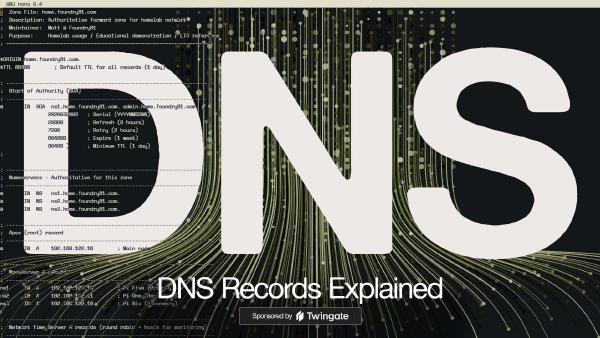
Understanding DNS Records
A DNS zone is a text file containing a series of Resource Records, each following a standard format: [Name] [TTL] [Class] [Type] [Value] Continue reading ...
The Anatomy of DNS Zones: Roles and Functions
It’s helpful to divide DNS zones into two categories to properly understand them. Continue reading ...
DNSSEC and DNS’ Fundamental Flaw
Before diving into DNSSEC (Domain Name System Security Extensions,) let’s cover the fundamental flaw in the original design of DNS: trust. Continue reading ...
Who Manages DNS for the Internet?
DNS is at the core of the Internet and there’s no question that it’s a service we all depend on – so who is in charge of keeping it running smoothly? Continue reading ...
The Origin and Evolution of DNS, the Domain Name System
To understand the Domain Name System, you need to first understand that computers are fundamentally incapable of understanding “names.” Continue reading ...