Foundry81 > Homelab
A taxonomy of answers.

Understanding DNS Records

Understanding DNS Records

A DNS zone is a text file containing a series of Resource Records, each following a standard format:

[Name] [TTL] [Class] [Type] [Value]

You will use A and CNAME records 90% of the time in a Homelab, but it’s good to know each type used and their functions.

The SOA (Start of Authority) Record

Every zone must start with an SOA record. This is the “metadata” for the zone – it tells other DNS servers how to handle it the zone and contains several pieces of information:

Primary Name Server: the server containing the master copy

Responsible Person: The email of the administrator (written with a . instead of an @)

Serial Number: This is the zone’s version number. When you make a change to the zone, you increase this number. Secondary servers check this number and if it’s higher than what they have on record, they download the new version.

Refresh/Retry/Expire: Timers that tell secondary servers how often to check for updates.

Minimum TTL: The default time other servers should cache the zone’s records.

Resource Record Types

Once SOA is defined, the zone contains the actual mapping data:

A Record (Address): Maps a hostname to an IPv4 address

AAAA Record (Quad-A): Maps a hostname to an IPv6 address

CNAME (Canonical Name): An alias – it points one name to another.

MX (Mail Exchanger): Directs email to a specific mail server. These records include a priority number – the lower the number, the higher the priority.

NS (Name Server): Identifies which servers are authoritative for the zone.

TXT (Text): Arbitrary text – commonly used for security (SPD, DKIM) and ownership verification.

PTR (Pointer): The opposite of an A record – this maps an IP to a name (Reverse DNS).

A Real Example – home.foundry81.com

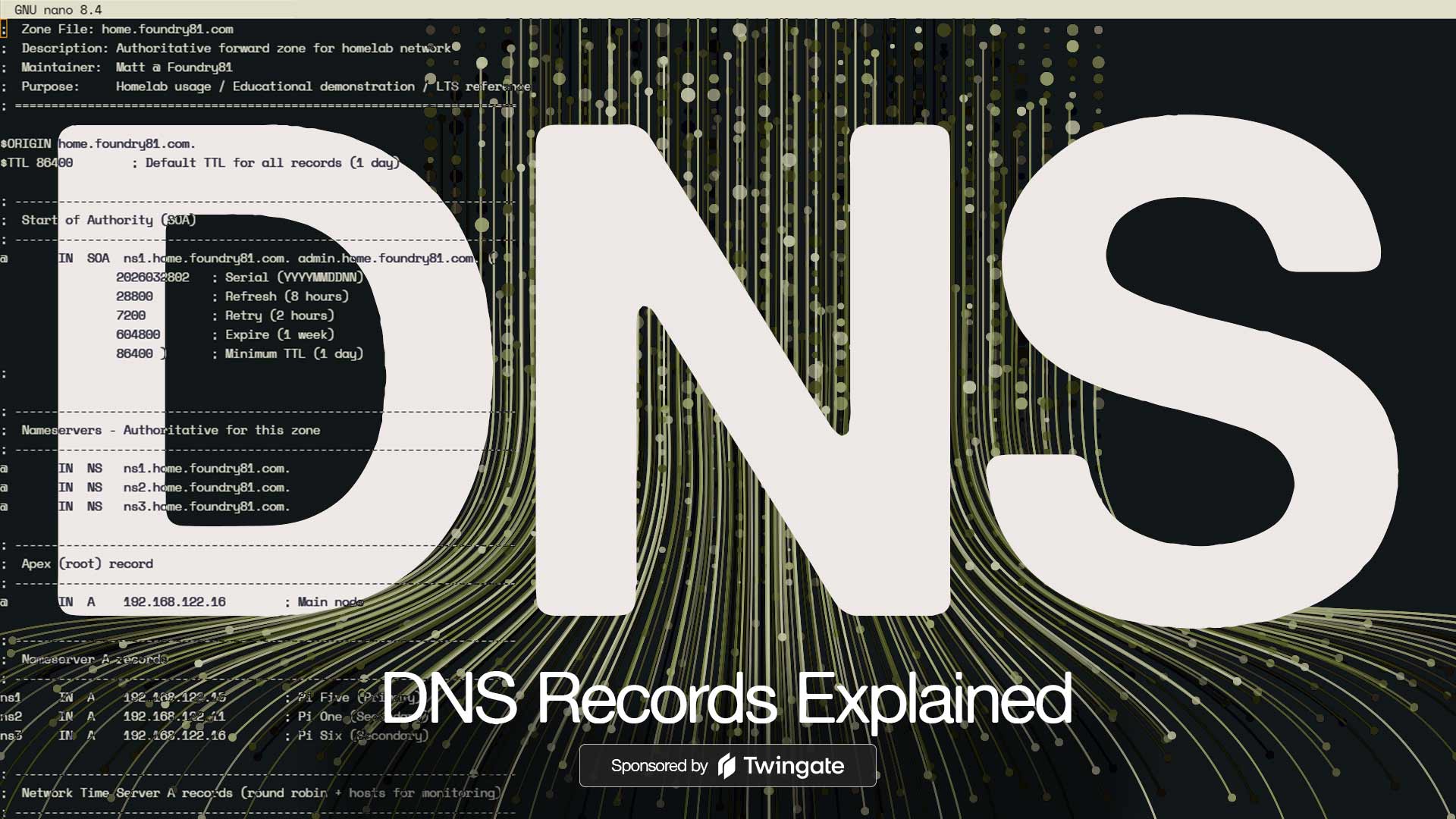
Below is a portion of one of the zone files from my home network.

I have separate zones for common services used by myself and family, and lab-related resources. The home.foundry81.com is where the everyday services exist. Having separate domains is an easy way to identify what’s meant for general use and is backed up vs. lab resources designed to be broken – the lab.foundry81.com zone is where all of the controlled chaos happens.

First up is a comment block and the SOA record:

 1
 2
 3
 4
 5
 6
 7
 8
 9
10
11
12
13
14
15
16
17
18
19
;  Zone File: home.foundry81.com                                                                                                                 
;  Description: Authoritative forward zone for Homelab network                                                                                   
;  Maintainer:  Matt @ Foundry81                                                                                                                 
;  Purpose:     Homelab usage/Educational demonstration                                                                                        
; =====================================================================                                                                          
                                                                                                                                                 
$ORIGIN home.foundry81.com.                                                                                                                      
$TTL 86400        ; Default TTL for all records (1 day)                                                                                          
                                                                                                                                                 
; ---------------------------------------------------------------------                                                                          
;  Start of Authority (SOA)                                                                                                                      
; ---------------------------------------------------------------------                                                                          
@       IN  SOA  ns1.home.foundry81.com. admin.home.foundry81.com. (                                                                             
                2026032802   ; Serial (YYYYMMDDNN)                                                                                               
                28800        ; Refresh (8 hours)                                                                                                 
                7200         ; Retry (2 hours)                                                                                                   
                604800       ; Expire (1 week)                                                                                                   
                86400 )      ; Minimum TTL (1 day)                                                                                               
;                                                         

Next are the resource records, starting with my namesevers. There are three, each is a BIND server in a Docker container on a Raspberry Pi.

1
2
3
4
5
6
; ---------------------------------------------------------------------                                                                          
;  Nameservers - Authoritative for this zone                                                                                                     
; ---------------------------------------------------------------------                                                                          
@       IN  NS   ns1.home.foundry81.com.                                                                                                         
@       IN  NS   ns2.home.foundry81.com.                                                                                                         
@       IN  NS   ns3.home.foundry81.com.  

With the NS records out of the way, we move on to A records. First is the zone’s Apex Record using the @ symbol. This record represents the top of the zone – home.foundry81.com:

1
2
3
4
; ---------------------------------------------------------------------                                                                          
;  Apex (root) record                                                                                                                            
; ---------------------------------------------------------------------                                                                          
@       IN  A    192.168.122.16        ; Main node    

Next are the A records that point to the NS records listed above:

1
2
3
4
5
6
; ---------------------------------------------------------------------                                                                          
;  Nameserver A records                                                                                                                          
; ---------------------------------------------------------------------                                                                          
ns1     IN  A    192.168.122.15        ; Pi Five (Primary)                                                                                       
ns2     IN  A    192.168.122.11        ; Pi One (Secondary)                                                                                      
ns3     IN  A    192.168.122.16        ; Pi Six (Secondary)

The rest of the A records in the zone come next. Zone files that follow patterns are easier to manage, and I like pointing A records at physical devices only. Each record below corresponds to a physical host on my network (except for mail ones added in for demo purposes):

 1
 2
 3
 4
 5
 6
 7
 8
 9
10
11
12
; ---------------------------------------------------------------------                                                                          
;  Core infrastructure and nodes                                                                                                                 
; ---------------------------------------------------------------------                                                                          
julius      IN  A   192.168.122.2 
mail        IN  A   192.168.122.40 
mail2       IN  A   192.168.122.40                                                                                                                
pione       IN  A   192.168.122.11                                                                                                               
pitwo       IN  A   192.168.122.12                                                                                                               
pithree     IN  A   192.168.122.13                                                                                                               
pifour      IN  A   192.168.122.14                                                                                                               
pifive      IN  A   192.168.122.15                                                                                                               
pisix       IN  A   192.168.122.16 

I use CNAME records for two things – aliases of physical hosts and available services. The record names vary a bit depending on what they are.

The docs record points to my documentation system, which tends to change as I find new ones that I like. The grist record is for a specific service named Grist (a great online relational spreadsheet tool.)

1
2
3
4
5
6
; ---------------------------------------------------------------------                                                                          
;  CNAME (Alias) Records - Consolidated with Wildcards                                                                                           
; ---------------------------------------------------------------------                                                                          
; All containerized or consolidated services pointing to pisix (NGINX Proxy Manager)
docs            IN  CNAME  pisix.home.foundry81.com.
grist           IN  CNAME  pisix.home.foundry81.com.

The next section in my zone file is dedicated to wildcard CNAMEs. The ones below are used by a multi-workspace instance of Twenty CRM.

When creating a new workspace in Twenty, a random string is assigned as the workspace’s subdomain – and having the wildcard in place allows the new subdomain to work without having to make changes to the DNS zone.

Wildcards can be handy – just make sure you document them early to prevent headaches later on:

1
2
3
4
5
6
7
; ---------------------------------------------------------------------                                                                          
;  MGMT / Twenty CRM Wildcard Aliases                                                                                                            
;  Pattern: .mgmt.home.foundry81.com → pisix                                                                                           
;  Example: twenty.mgmt.home.foundry81.com resolves to pisix                                                                                     
; ---------------------------------------------------------------------                                                                          
mgmt             IN  CNAME  pisix.home.foundry81.com.    ; base record                                                                           
*.mgmt           IN  CNAME  pisix.home.foundry81.com.    ; wildcard for subdomains

Service records come last. These are a bit uncommon for Homelabs, but you’ll see them once in a while:

1
2
3
4
5
6
7
; ---------------------------------------------------------------------                                                                          
;  SRV Records - Ceph Cluster Monitors                                                                                                           
;  Used for service discovery of Ceph MON daemons                                                                                                
; ---------------------------------------------------------------------                                                                          
_ceph-mon._tcp  IN  SRV  0 5 6789 foxmox01.home.foundry81.com.                                                                                   
_ceph-mon._tcp  IN  SRV  0 5 6789 foxmox02.home.foundry81.com.                                                                                   
_ceph-mon._tcp  IN  SRV  0 5 6789 foxmox03.home.foundry81.com. 

I don’t run mail on my home network, but if I did, the records would look like this. The mail record has a higher priority than mail2, so that’s the one mail would be delivered to – and if it wasn’t available, a connection to mail2 would be attempted next.

The TXT record, another added in for this post, is a SPF record – and definitely not what you’d want in place in the real world as it’s too permissive, but good for this example:

1
2
3
4
5
6
7
8
9
; ---------------------------------------------------------------------                                                                          
;  Mail Routing                                                                                                                     
; ---------------------------------------------------------------------
@ IN MX 10 mail.home.foundry81.com.
@ IN MX 20 mail2.home.foundry81.com.
@ IN TXT "v=spf1 a mx ~all"
; =====================================================================                                                                          
;  End of Zone File                                                                                                                              
; ===================================================================== 

The comments between record types aren’t needed, but are very helpful when managing a large DNS zone. The full zone has 126 records and would be unwieldy without the comments to help organize and explain their purposes.

Common Homelab DNS Records and Patterns

Each network is different, and that means no two DNS zones are going to be identical – but there will be common patterns shared across most.

There are records like SOA and NS that are required, with A records being the most common after them. AAAA records are useful if you’re running IPv6. CNAME records are handy and allow for flexibility and abstraction as in the examples above.

PTR records are great to have for the sake of completeness, but are used less often in Homelabs than business networks or on the Internet. I think creating a reverse lookup zone is a great idea – and will help gain a full understanding of DNS in the process.

Creating records using patterns isn’t just helpful to you, it’s a way to ensure that others that may be accessing your network can lend a hand with minimal guidance. While I’m the only person who can modify the home.foundry81.com zone, there are several people I work on projects with that can modify the lab.foundry81.com zone. Using the same patterns you see above – A records corresponding to physical hosts, CNAMEs representing services, and a clear, commented, structure makes it easy for them to make changes with minimal risk to uptime.

Designing your Homelab DNS Setup

If you’ve been reading through this series, you now have an idea of how DNS zones are structured, the types of records that exist, and are probably ready to roll up your sleeves and get started on your own setup. Before we get to planning, we have one more area to review – what a well-planned DNS setup enables for you.

Further Reading

Getting in Touch

Have a question? Want to talk tech? Curious about something you saw here?

Reach out. I’m always up for a good conversation, answering a thoughtful question, or geeking out over infrastructure, design, or the overlap between them. I’ll get back to you when I can.

Looking to build something? Launch something? Fix something?

If you see alignment between your work and mine, let’s explore it. I collaborate with IT organizations, creative teams, and builders who value thoughtful execution and clear outcomes. If it’s a good fit, we’ll make it happen.