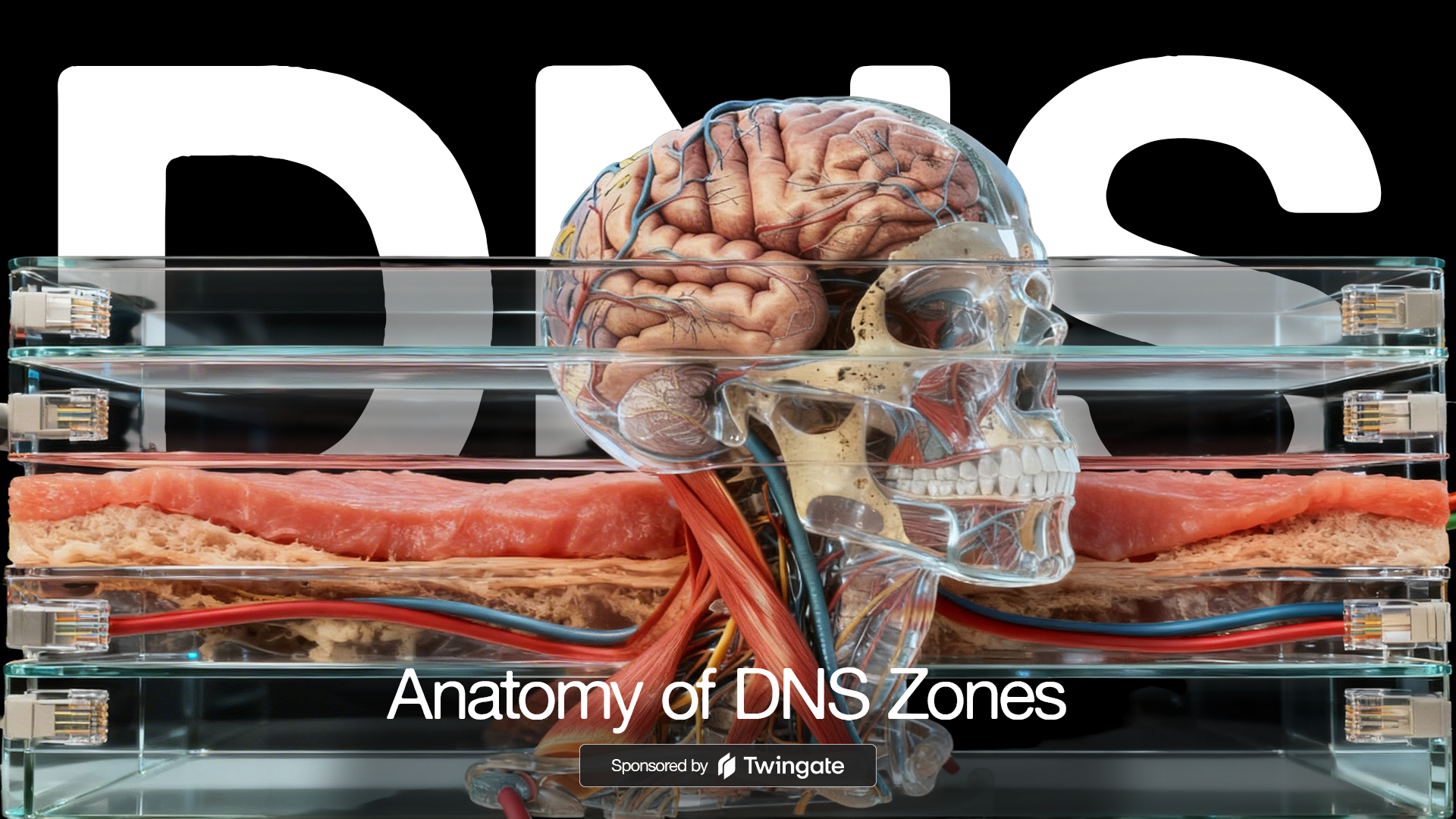
It’s helpful to divide DNS zones into two categories to properly understand them.
The first category describes how the data is managed and replicated – the administrative role. The second category describes the direction of the lookup, or the functional role. To a DNS server, a zone is not “a domain” - it’s a boundary of authority.
Administrative Roles
These zone types describe where the “master copy” of a zone lives, and how others get the information.
Primary Zone
The primary zone is the original, authoritative version of a DNS zone. It’s the only place where the actual zone file can be modified – the source of truth.
When an administrator wants to add a new website or change an IP address associated with a record, they edit the zone file on the Primary server. Each time a Primary zone is edited, the Serial Number in the SOA record is increased – this indicates to other servers that a new version of the data exists.
Secondary Zone
A secondary zone is a read-only copy of the Primary zone. It’s used for redundancy and load balancing.
The secondary server doesn’t have its own editable file. Instead, it performs a Zone Transfer from the primary using one of two approaches. AXFR is a full transfer that downloads the entire zone file while IXFR is an incremental transfer that only downloads records that have changed since the last serial number.
To the outside world, a Secondary server is just as “authoritative” as the Primary since it provides the same answers. Both of the DNS servers specified in the DHCP scope settings for my home network are Secondary servers and the Primary doesn’t get queried by clients at all.
Stub Zone
A Stub Zone is a “minimalist” version of a zone. It doesn’t contain a full copy of the records and functions as a pointer.
Stub Zones contain only three things – the SOA records, the NS (Name Server) records, and potentially some “glue” records. They exist for the sake of efficiency; instead of the DNS server having to query the Root and TLD servers to find out who is authoritative for a domain, it checks its Stub Zone and says, “I don’t have the IP for this site, but I know exactly which servers do.”
If a Secondary zone is a full photocopy of a book, a Stub Zone is just the Table of Contents telling you which library has the book.
Functional Directions
These terms describe what the server is actually doing with the data it holds.
Forward Lookup Zone
This is the most common type of DNS zone. It’s the process of translating a human-readable name into a machine-readable address. For example, querying foundry81.com returns 107.170.93.99.
Use cases for forward lookup zones include web browsing, emailing, and API calls.
Reverse Lookup Zone
A reverse lookup zone does exactly what the name suggests – it translates an IP address back into a hostname. For example, querying 192.168.122.18 on my home network will return oberon.home.foundry81.com.
Reverse lookups have what’s called The “Backward” Quirk. Since DNS is designed to read from right-to-left (Root TLD Domain,) reverse zones are structured backward. For IPv4, the live in a special domain called in-addr.arpa.
Email servers will check reverse DNS to ensure the sender isn’t a spammer – if the IP doesn’t map back to the domain it claims to be from, it’s often blocked. System administrators use reverse lookups in server logs so they can see “User from laptop.home.foundry81.com” instead of “User from 192.168.122.150.”
| Zone Type | Category | Primary Purpose | Key Characteristic |
|---|---|---|---|
| Primary | Admin | Source of Truth. | Only place where records are edited. |
| Secondary | Admin | Redundancy/Load Balancing. | Read-only copy via Zone Transfers. |
| Stub | Admin | Fast-tracking/Delegation. | Contains only NS and SOA records. |
| Forward | Functional | Name to IP. | The basis of the modern web. |
| Reverse | Functional | IP to Name. | Uses PTR records and in-addr.arpa. |
A Homelab DNS structure will have one, maybe more, forward lookup zones – and its good practice to have both a primary and secondary DNS server for redundancy purposes. While having a reverse lookup zone isn’t required in a Homelab, building one is a good activity, especially if you’re looking to replicate setups used in businesses and on the Internet.
No matter what DNS zone type we’re talking about, they’re useless if they don’t contain properly formatted records, so let’s get to those next.

Access Your Homelab from Anywhere.
Zones define where authority lives, and that structure becomes more valuable as your environment grows.
When those services need to be accessed remotely, consistency in DNS stops being optional. Platforms like Twingate depend on that - see how this extends beyond your Homelab.
All posts in this series:
- DNS in the Homelab
- The Origin and Evolution of DNS, the Domain Name System
- Who Manages DNS for the Internet?
- DNSSEC and DNS’ Fundamental Flaw
- The Anatomy of DNS Zones: Roles and Functions
- Understanding DNS Records
- Designing Your Homelab DNS
- Homelab DNS: Running BIND with Docker
- DNS and HTTPS in the Homelab: Moving Beyond IP Addresses
- Homelab DNS Troubleshooting
Contents
Tags
Recent Posts
-
observation
 9/11: 25 Years Later
-
self-hosting
 Bumping Integrated GPU Memory Limits
-
self-hosting
 Containerized ComfyUI with ROCm 10 on the Minisforum N5 Pro Running TrueNAS
-
observation
 Under Our Own Power
-
infrastructure
 What Does “Zero Trust” Actually Mean?
-
What Happens When a CVE Becomes a KEV?
-
The Language We Inherit From Machines
-
DNS Decisions: Recursive, Authoritative, and Forwarding Explained
-
The Real Watermark is You
-
I Like My Web Servers Basic AF